Very fast delivery, two days ahead of schedule (ordered on Sun 30 Nov, scheduled for delivery on 4 Dec, delivered on Tuesday 2 Dec).
Package in good condition.
Device connected to ethernet network (RJ45 cable on PLC powerline).
Very easy to install on a Linux PC Ubuntu 22.04:
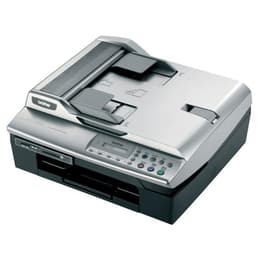
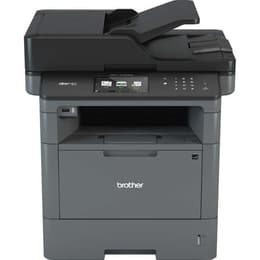
1 - Switch on the Brother MFC 8520DN.
2 - On the PC (connected to the internet), launch the add printer utility.
3 - Select Network Printer then Brother MFC 8520DN
4 - Click on next => the search and installation of drivers is automatic.
First tests (from a PC running Linux Ubuntu 22.04) :
- Good quality recto/verso printing (even in eco mode)
- Scanning: The application installed by default on Ubuntu works very well.
Not yet tested: Fax (I have no use for it), printing from smartphone or tablet (not a priority, I'll see later).
Important note:
One of the sheet guides on the main feed tray was not adjusted for A4 (height).
=> Take the tray out, push the depth slide as far as it will go, up to the stop, and put the tray back in place, taking care to lift it slightly as you push it to prevent the slide from moving again, brushing against the "ceiling" of the slot as you push.
So I'm very happy with this choice.